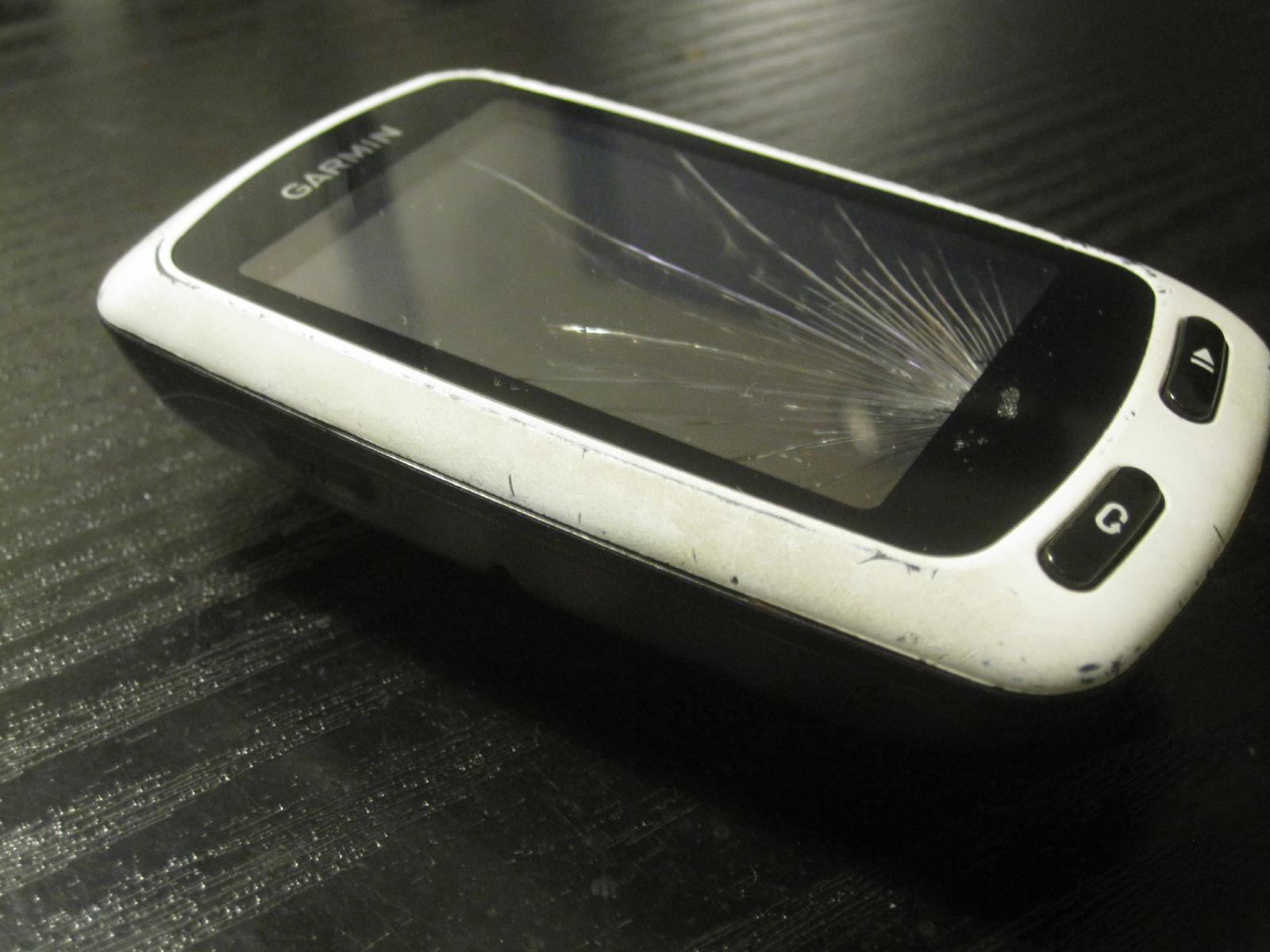
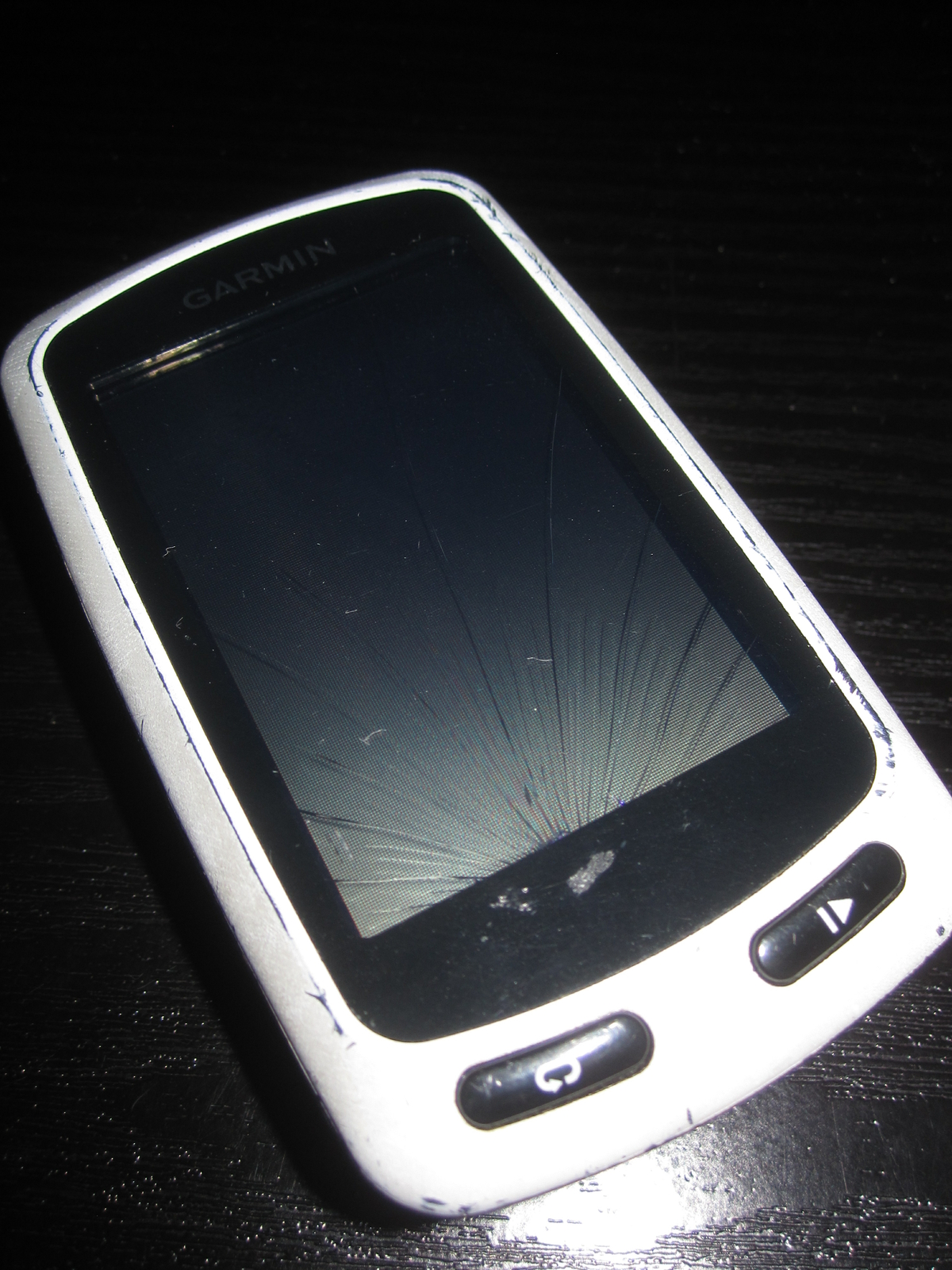
My Garmin Edge Touring has given me (mostly!) good and faithful service as navigator on cycle tours over the past six or seven years. I’ve found the features it offers have suited my needs: planning routes on other platforms and importing them to the device; being able to draw on and import different map sources (e.g. Open Fietsa map); micro SD card slot providing additional storage and data transfer options;a reasonable battery life and ease of recharge; colour touchscreen which can be configured to present different data and easily switched from one to another. However, the Touring has also presented challenges: the touchscreen is far from smooth and responsive (when compared with say, a smartphone); the battery life is deteriorating to the point where I struggle to get a 60 mile day from it (and I have replaced the battery once); the USB connector is mini rather than the now more common micro, so I’m obliged to have at least two leads; USB connectivity between the device and my computer ceased for some reason (a Windows update?); although not the fault of the device, my ageing eyesight is struggling to cope with detail on the small screen. The launch of the Edge Explore nudged me towards thinking about an upgrade, but it would always be hard to justify shelling out over £200 to replace a device which was fully working. That was until a couple of weeks ago when the Touring slipped from my grasp, dropping onto the tarmac below. Like several times before it was robust enough to bounce and continued to work, but unfortunately on this occasion the impact was at such an angle to craze the screen. Unlike many a smartphone, the screen continued to work, including touch, yet was noticeably dimmer than before. That was the nudge I needed.
Since its release, the Edge Explore has been updated in the Explore II to better accommodate the various sensors that have subsequently been released, but these were not features which suited my needs. I wasn’t prepared to part with £250 for functionality that would lay idle. The earlier version, though it too was somewhat over-specified for my simple needs, could be had for nearer £200; less if I was happy to settle for a pre-owned one. After scouring that well known online auction site and missing out a couple of times – a decent one could be had for around £100 – I happened to find one through CEX at the fixed figure of £155, and the device seemed ‘right’. Having pushed the button, my ‘new’ Edge Explore arrived a few days later and appears to be in ‘as new’ condition. I won’t know whether the battery life is still up to snuff, but based on the pristine condition, I suspect it’ll be OK. It was also a nice surprise, not mentioned in the online listing, that it came bundled with several replacement bands, two additional quarter-turn mounts and an out-front mount. Result!
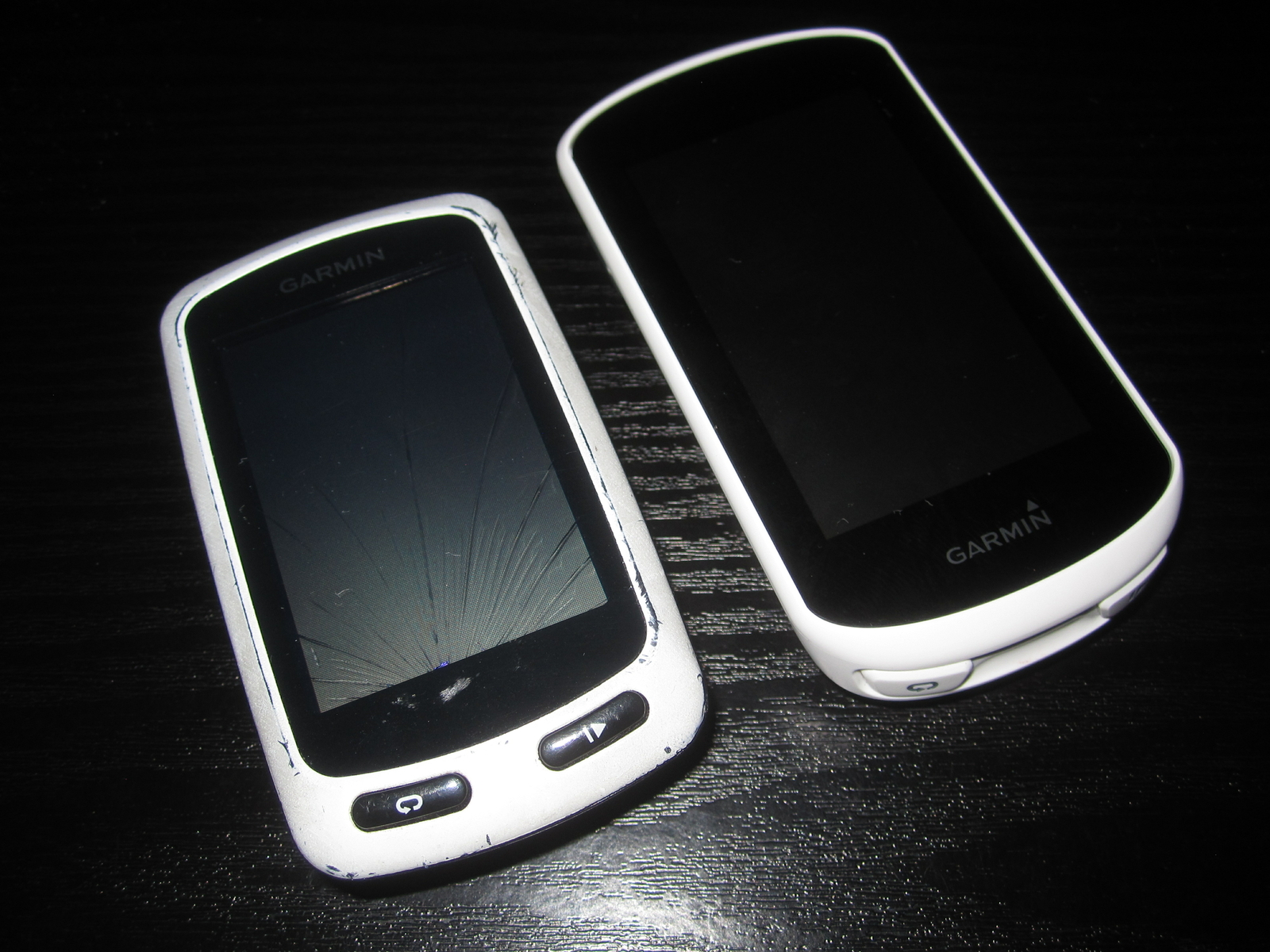
The Explore will get a full try out on my forthcoming excursion, but my initial impression is positive. The screen is slightly larger and certainly better resolution, which my weakening eyes will appreciate. It boots up and finds satellites more quickly. The functionality and features are sufficiently similar to the Touring that I was able to get it up and running and configured without needing to refer to the manual, although let’s face it, the booklet would likely only have emerged from the box as a last resort! Now to try importing a route … ah! No card slot. Perhaps I should have checked for that before buying? And if there’s no card slot, how can I supplement the map set which came with the device?
After a frantic internet search, things didn’t look great. The Explore comes with bluetooth and ANT+ connectivity which I know from experience with my Edge 25 are fine for getting activities off the device, and should be OK for synching pre-planned courses back onto the device, although I’ve never had to do that. Since I wiped Windows from my computer in favour of Linux, and since Garmin don’t provide Linux drivers for ANT+, most of my Garmin connectivity has been through my tablet, and that’s been fine. But shifting a large map file, maybe over a Gb? Nope, not tried that and I don’t think that’s likely to be possible through Garmin Connect, since I’m pretty sure Garmin would prefer you to buy their maps. When I connected the Explore to my computer – pleased to say with micro USB connector – I didn’t hold out much hope, but oh me of little faith. After a short delay Linux did its thing and the device now appeared in the file manager. Whoot! Shifting files on and off now became a cinch and I loaded up a Open Fietsmap base map for the area of my forthcoming trip. Not only did that go smoothly, the Open Map loaded provided much better detail, in my opinion, than the native maps supplied with the device. I could also shift across all the routes I’ve planned without having to first put them through Garmin Connect.
Can’t wait to try things out on my trip. Question is, do I take the Touring as a backup?